Overview
Scenario Planner lets you explore what may happen if you change spend across channels. Use it when you want to test a proposed budget shift before committing to it.What it does
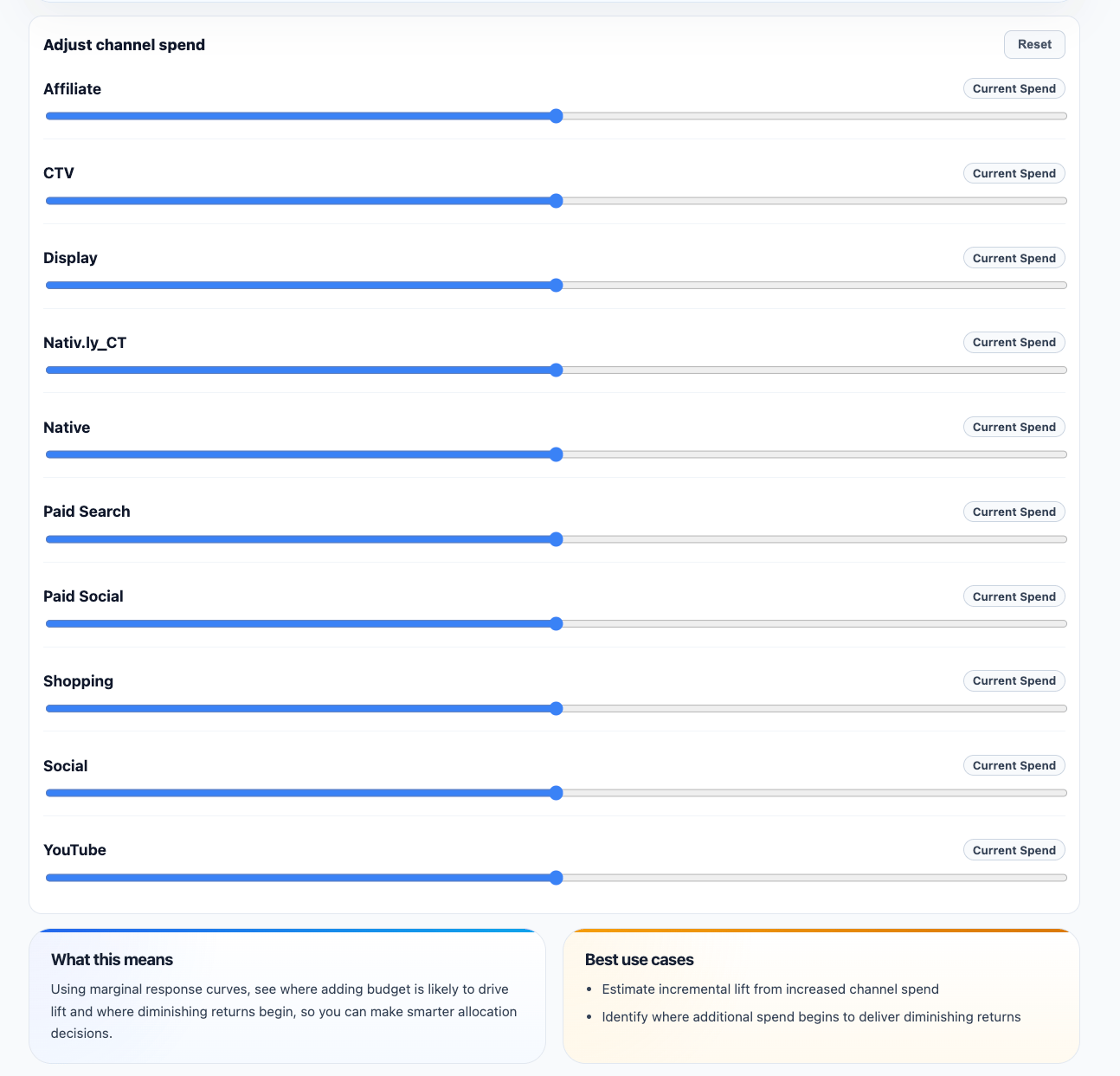
Scenario Planner uses the same modeled response curves that support Budget Recommendations, but gives you control over the allocation. Instead of accepting the optimizer’s answer, you can adjust spend assumptions yourself and see the projected effect on incremental outcomes.What Scenario Planner is good for
Use Scenario Planner when you want to answer questions like:- What happens if we shift budget from one channel into another?
- How sensitive is performance to a large increase in a specific channel?
- Does the mathematically optimal recommendation still make sense given business realities?
- How can we prepare a realistic version of the plan for finance or leadership?
When to use it
Use Scenario Planner to:- Test a budget reallocation idea
- Compare possible spend levels
- Understand sensitivity by channel
- Prepare for planning discussions
- Evaluate whether a recommendation fits business constraints
What the page looks like in practice
The page combines:- scenario budget and selected-spend summary cards
- projected lift against baseline
- a selected-spend allocation donut
- a largest-channel highlight
- a ranked mix table showing how the selected scenario is composed
Scenario Planner vs Budget Recommendations
Budget Recommendations show the optimized allocation based on the latest model, the available budget, and the configured guardrails. Scenario Planner lets you explore your own what-if allocations. That difference matters:- Budget Recommendations are model-led
- Scenario Planner is user-led
How to read scenario outputs
Scenario outputs are projections, not commitments. That means you should use them to compare tradeoffs such as:- expected incremental gain
- likely efficiency changes
- whether a proposed increase is pushing a channel closer to saturation
- whether a cut could reduce more incremental outcome than expected